- What does it cost?
- The first 30 days are free and we do not ask for a card to start. After that it is $19.99 a month for one student and $14.99 a month for each additional student, with everything included. Cancel any time.
- What happens when the 30 days are up?
- New worksheets stop until you subscribe. Anything you have already printed is yours, and your student’s progress is waiting if you come back later.
- Does my student need to use a screen?
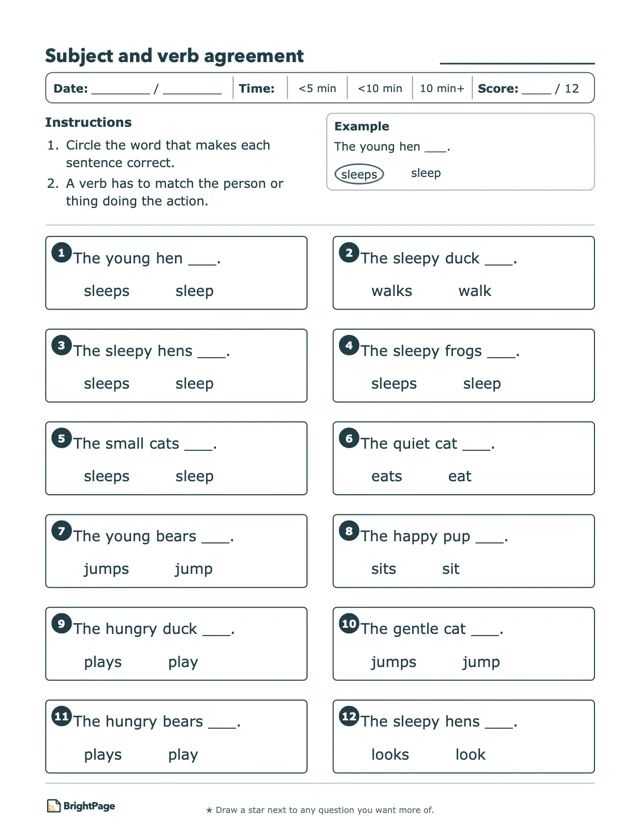
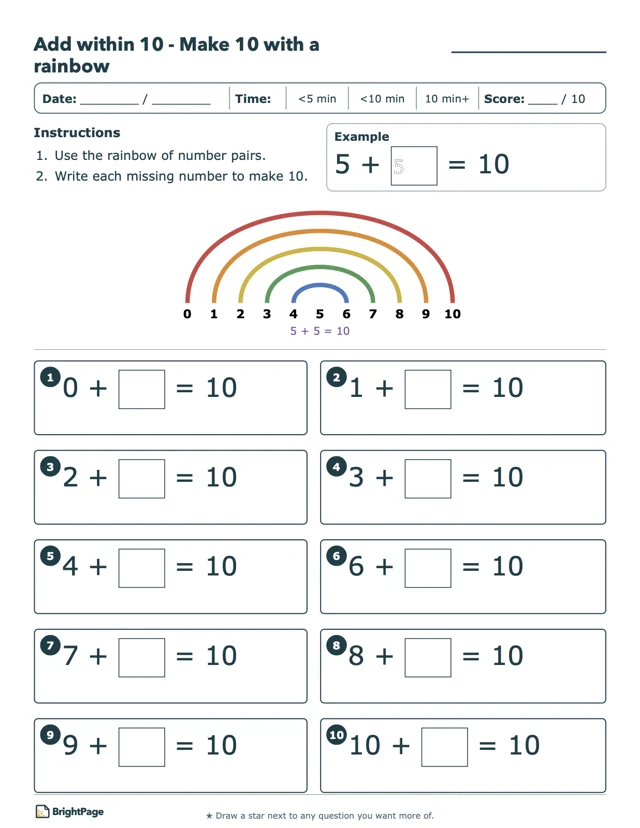
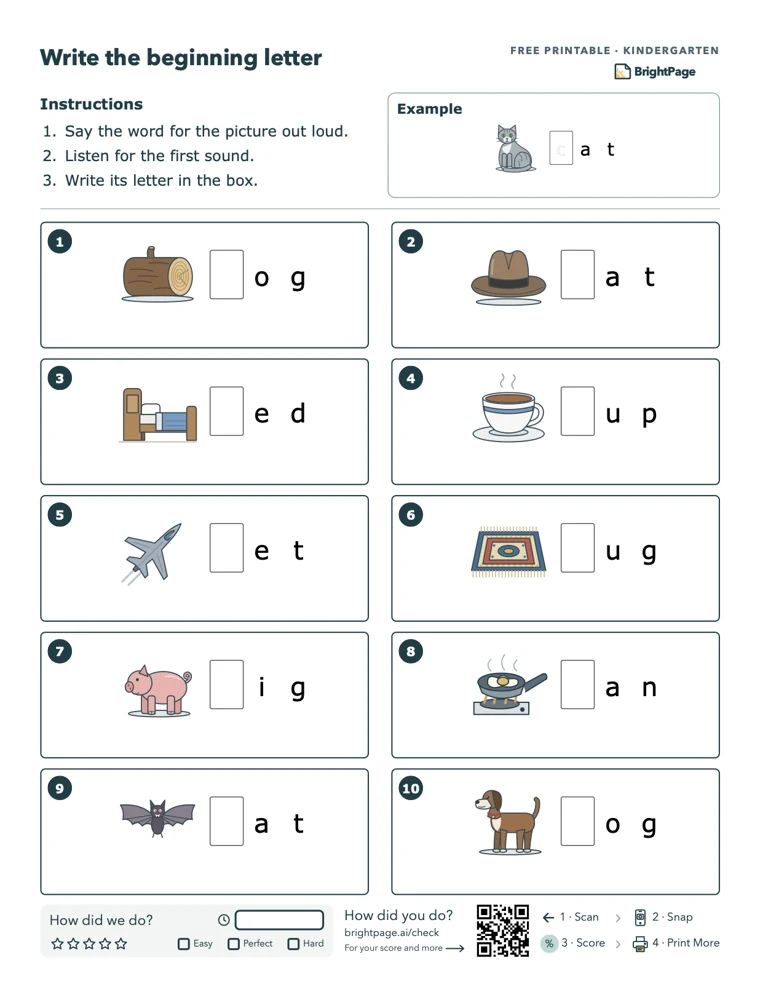
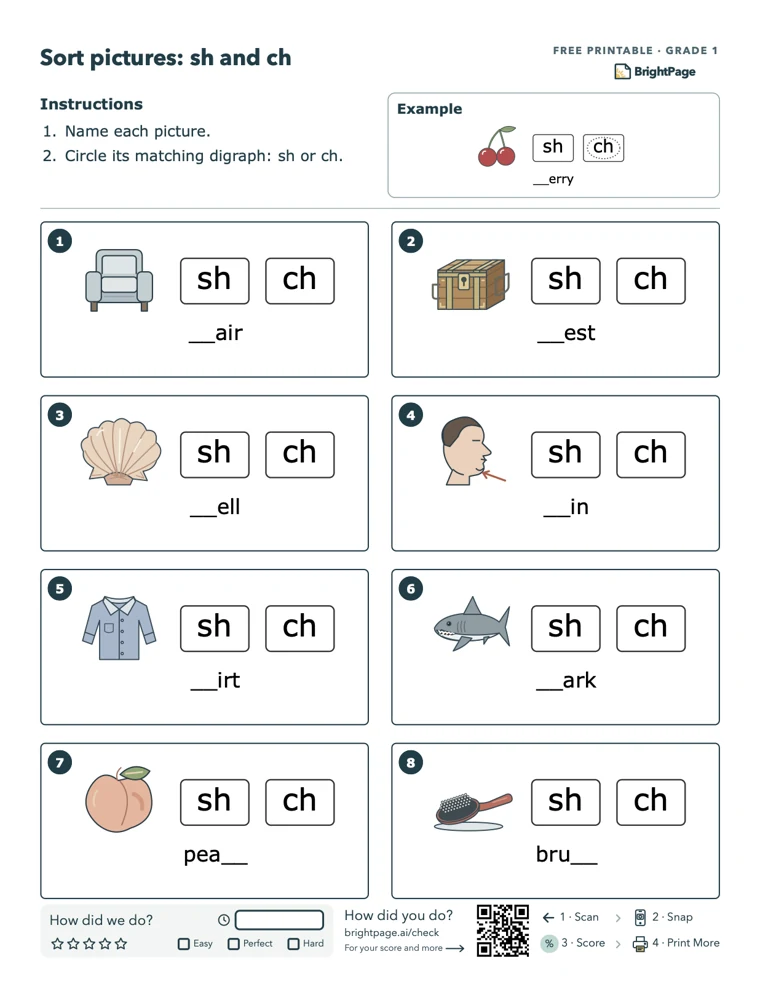
- No. There is no student app and no account for your child; the practice is pencil and paper from start to finish. The screen work is yours, and it is a couple of minutes: print the sheets, photograph the finished ones, check progress when you want to.
- Which grades?
- Kindergarten through grade 5 today, in math and English. We are adding new grades quickly.
- Does it follow the standards?
- The app uses an ordered skill progression, grade by grade. It is supplementary practice; check the topics against your student's school curriculum.
- Can this help with standardized tests?
- Daily practice helps build the math and English skills those tests draw on. Pair BrightPage with your school’s test-specific guidance and sample questions to get familiar with the format and timing, too.
- Is BrightPage based on the science of learning?
- Yes. How practice is scheduled and laid out follows some of the most replicated findings about how children learn: short practice spread over days, answering from memory, mixing kinds of problems, worked examples and mastery before moving on in math, and phonics taught in order with spelling by pattern in English. How BrightPage uses the science of learning
- Why a little every day?
- Short and often beats long and occasional. A few minutes a day is what lets a skill come back at the right spacing — soon enough that it has not faded, far enough apart that recalling it does some work. If a day gets away from you, nothing is lost: the next set waits for the finished one, not for the calendar.
- How much time should we set aside?
- You choose how many minutes each subject takes — the same for math and English — and BrightPage sizes the daily worksheets to fit. Start with a short session that works for your family and adjust as you find your rhythm.
- Can I print a week’s worth of worksheets, or more than one day?
- One set at a time. Upload the finished pages and the next sheets are ready — that can be the same day, or three days later; it waits for the work, not for the calendar. We do it this way because today’s results are what shape tomorrow’s practice: it lets us revisit mistakes, space out review, and introduce new skills when your student is ready. Reprinting a set you already have is always available, for the page that went through the wash.
- What if the work feels too easy or too hard?
- You can adjust your student’s starting point. Missed skills get more practice, while mastery checks help determine when they’re ready for the next step. The aim is steady progress at a pace that fits your student.
- Why do familiar questions come back?
- Getting something right once is a great start. In math, spaced review brings topics back over time to help them stick, and missed math facts and spelling words are reviewed sooner, with room left for new learning.
- How can I see why my student is getting these questions?
- Your student’s board shows what they’re working on now, how many skills they’ve mastered, the skills they’ve missed most, and what the practice is changing because of it. If a multiplication fact keeps appearing, for example, it is usually because it was missed recently.
- Is there a lesson when my student starts a new topic?
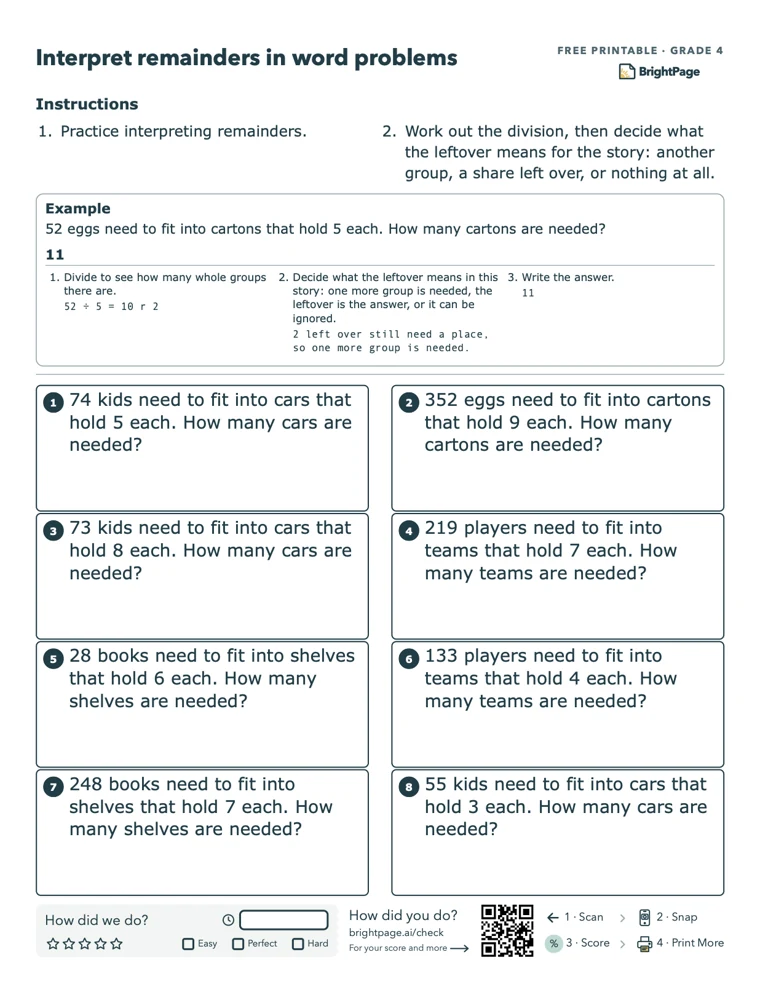
- In math, yes. Each new topic after the first starts with a one-page lesson, with clear, color-coded steps that show what to do and why. Work through it together, or let your student use it on their own when they’re ready to work independently. Most worksheets also include a worked example to refer back to as they practice.
- Do I need to grade everything myself?
- AI checks answers and flags items that need your review. You confirm those items before progress is saved. For writing and oral activities, simple assessment criteria guide your feedback.
- Do I have to print?
- No. Open the PDF on an iPad and your student can write on it with an Apple Pencil, in Files, Notes or any app that marks up PDFs. When they’re done, upload the filled-in PDF instead of a photo.
- Do I need a special printer?
- Any printer, Letter or A4. Phones can open the PDF straight from the link.