
FOR CLASSROOMS
Practice makes progress.
Small steps, each the right size for every student in the room.
BrightPage prints daily math and English practice for each student in your class, pitched just past what they’ve shown they know. Behind the scenes, AI keeps track of where every student is, so tomorrow’s step is the right one. Send it home as homework parents can follow, or use it to differentiate in class.
Kindergarten to 5th grade, math and English. Students never touch a screen.
Sound familiar?
- Three grade levels at one table, and one worksheet that fits none of them.
- Some students finish in two minutes. Others are stuck on question one.
- A stack of pages to check every night, and still no clear picture of who needs what.
- A parent asks how their child is doing, and the answer lives in your head.
BrightPage handles the practice: practice that fits each student, scored for you, and a dashboard you share with every family.
Send it home, or use it in class
Same personalized pages, two places to use them. Pick one, or do both.
AS HOMEWORK
Customized homework that shows parents the learning
Every student takes home pages built for where they are, not one sheet for the whole class. Families see how their child is learning and progressing.
- Each packet fits the student who takes it home
- Parents see what their child got right, what they missed, and where they are on each skill
- Pages come back to class to be photographed or scanned, or families snap them at home
- Missed questions are reviewed on later pages, so homework builds on itself
IN CLASS
Differentiation, one grade or six
During a practice block, every student works on their own pages at their own level, while you teach, conference, or pull a small group.
- One grade: twenty-two third graders, each at a different point in third grade
- Several grades: a kindergartner counting to 20 beside a fifth grader adding fractions, K–5 on one account
- A different packet on every desk, one stack to print
- Students who need more steps get them; students ready to move on aren’t held back
- Your dashboard shows who needs you next
Progress is a lot of small steps
A step that’s too big is where a student stalls. One that’s too small is where they get bored. Each BrightPage sheet is a step sized for one student, and the next one waits until they’re ready for it.
STEP 1
Introduced
A new skill arrives with a worked example on the page, once the skills it builds on are in place.STEP 2
Practiced
A few minutes a day. The facts and words they miss are weighted more heavily on the sheets ahead.STEP 3
Mastered
Clean sheets in a row move it on, and the next skill opens.AND THEN
Reviewed
Math topics return just before they’d fade, with a longer gap each time they come back right.
The personalization of an app, on paper
Learning apps adjust to each child as they go. BrightPage does the same between pages: the adapting happens on our side, and each child gets a pencil and pages that fit.
1 · PLACE
Start each child at their level
You know your students. Choose where each one starts in math and in reading.2 · PRINT
A different packet for every child
10 to 30 minutes a subject. Three kids at one table, three packets that look alike.3 · CHECK
Photograph or scan
Each page is scored and lands on that student’s dashboard; only answers that can’t be read wait for you.4 · ADAPT
The next step follows the results
What they missed is weighted more heavily, math they know returns just before it would fade, and new skills open as they’re ready.
An app vs. BrightPage
Own level
BrightPage: Yes
App: Yes
Adapts to mistakes
BrightPage: Between sets
App: As they go
Screen time
BrightPage: None
App: All of it
Equipment
BrightPage: A printer and a phone
App: A device per child
Shows their work
BrightPage: In pencil
App: Rarely
Spaced review
BrightPage: Built in
App: Varies
Math and English
BrightPage: One plan
App: Often separate apps
Mixed grades
BrightPage: K–5, one account
App: Depends on the app
Distractions
BrightPage: None
App: Games, notifications
Homework
BrightPage: Goes home in a backpack
App: Needs a device at home
Teacher sees
BrightPage: Every answer, every skill
App: Varies
Parents see
BrightPage: The same dashboard
App: Varies
Behind the scenes, AI keeps track of every student
You won’t think about it much. It does the bookkeeping no teacher has time for, so you can spend your time teaching.
It builds each page
From what each student has shown they know, with their interests in the word problems and reading.It scores the stack
From a photo. It sets aside only the answers it can’t read, for you to settle.It remembers where each student is
Who missed 7 × 8, whose spelling rule needs another round, which skills are due for review. You see all of it and decide where to step in.
Every student’s progress, on one page
Each student has a dashboard that you and their parents both see. No guessing how a child is doing, and no separate report to write.
- What they got right and wrong, question by question
- Where they are on each skill: introduced, practicing, mastered
- How many problems of each type they’ve done
- The same view for teacher and family, so conferences start from the facts
- Multiplication facts to 10Mastered
- Fractions on a number linePracticing
- Two-step word problemsIntroducing
- Area of rectanglesUp next
Missed last time: 7 × 8, 6 × 9
Your first week with your class
You don’t have to change your schedule. Pick a practice block and start there.
DAY 1
Add your class
Enter each student’s name and grade. Families can be added to see their child’s dashboard.DAY 1
Set each student’s level
Choose where each student starts in math and reading. Every first page begins there, and the steps adjust from what they do.DAY 2
The first stack prints
One packet per student, each different. Hand them out at your practice block.THROUGH THE WEEK
Photograph or scan
Collect the pages and snap or scan them. Each one is scored and every student’s next set adjusts.
By Friday, you can see where every student stands, and so can their families.
Priced per student
$19.99 a month for the first student and $14.99 for each additional. Every feature, one plan.
Several classrooms, a whole school or a co-op? We’ll set pricing around your program. Partner with us →
$334.78 /month
about $15.22 per student
Ten minutes a day beats an hour on Friday
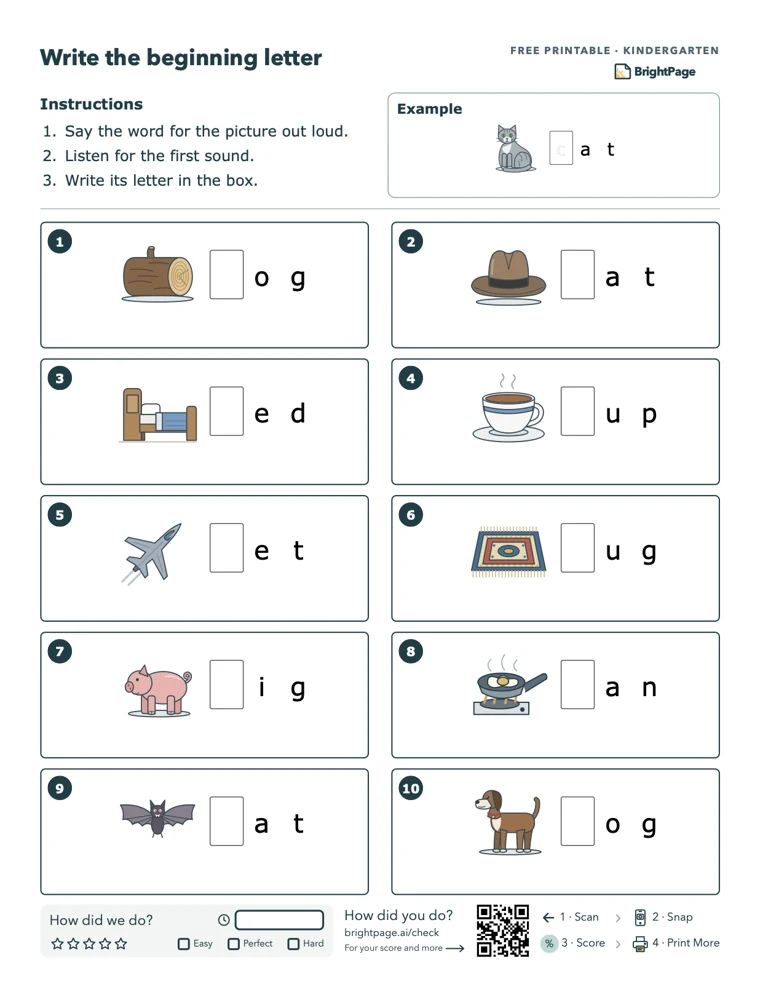
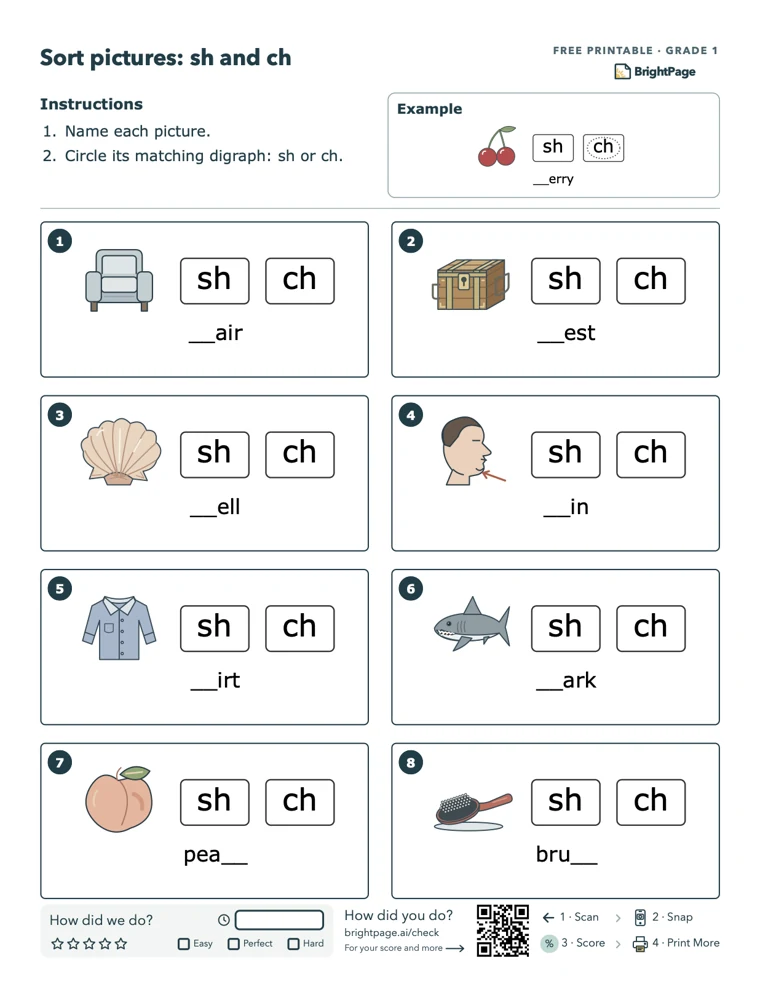
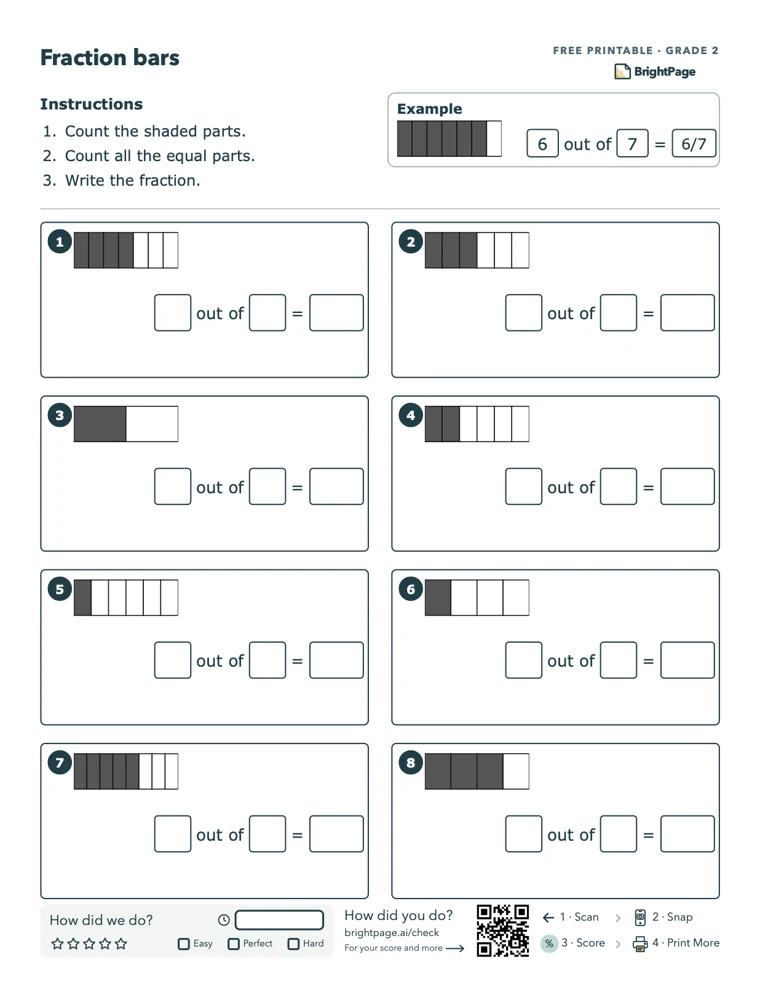
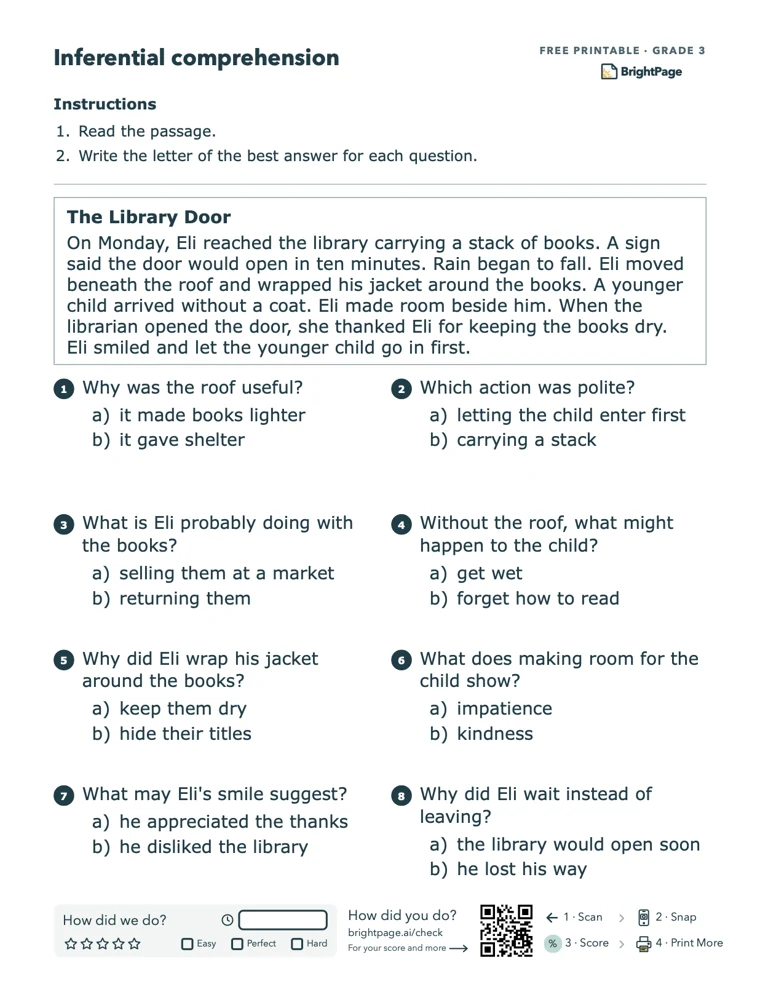
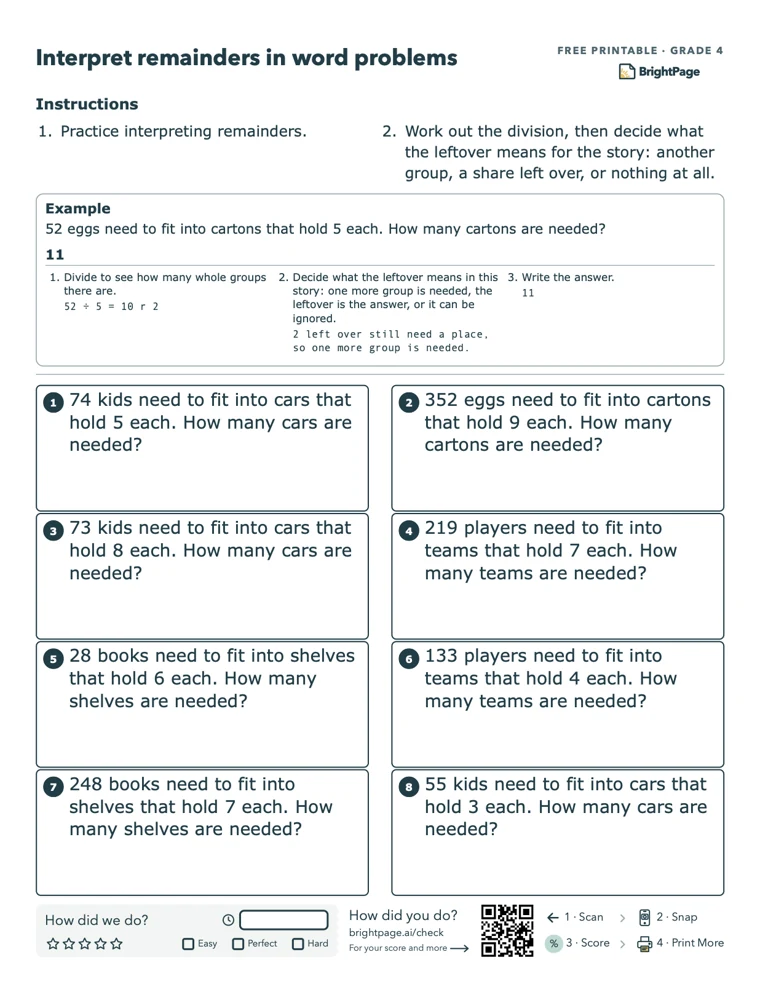
Same hour, two ways: 12 minutes a day, Monday to Friday, or one hour on Friday. Spread out, more of it is remembered weeks later. That’s the spacing effect, one of the most replicated findings in learning science, and BrightPage is built on it. You set 10 to 30 minutes a subject. A fact a student misses is weighted more heavily on their next sets, and math topics they’ve mastered return just before they’d fade, with a longer gap each time. Here are a few pages, exactly as they print.
Questions teachers ask
- Does it follow a curriculum?
- Skills are mapped to grade-level standards, kindergarten through 5th. It is daily practice alongside what you teach, not a replacement for it.
- Does it replace me?
- No. You teach; it manages the practice and keeps track of where each student is. You decide who needs you today.
- Do students need devices or accounts?
- No. Students only touch paper. You need a printer and a phone.
- Can families see their child’s work?
- Yes, if you add them. They see the same dashboard you do: each sheet, what their child got right and wrong, and where they are on every skill.
- Can another teacher help with the same students?
- Yes. Add them as a tutor on each student: they can print, upload and check answers, without changing settings.
- What if a student is out for the week?
- Their sheets wait. When they’re back, finish it or close it with “How did it go?”, and the next set picks up from there.
Not ready to talk yet? Try a few free sheets with your class
Free printable worksheets by grade and topic, the same kind BrightPage makes. Use them in tomorrow’s practice block and see how your students take to them.
Browse free worksheetsPractice makes progress. Partner with us.
Tell us about your classroom, school or co-op. We’ll work out how BrightPage fits the way you teach, and set it up with you.
- Pricing for your program, from one classroom to a whole school, including bulk rates
- Getting started together: your students added, started at their level and printing
- A custom integration with the systems you already run